Write identity
Write the name used in the same spelling everywhere.

Preparation before starting an account
The public registration page of 456db shows fields for Full Name, Mobile Number, Email Address, Preferred Currency, Password, and consent to understand the rules. This page explains the purpose of each field, the familiar format of mobile numbers in Bangladesh, the symbols BDT and ৳, and what needs to match before submission. It is not an external sign-up page and does not promise any bonuses or instant activation.
The current visible page shows Full Name, Mobile Number, Email, Preferred Currency, Password, and consent to understand the rules. NID upload, OTP, referral code, or bonus steps that are not visible have not been added.
| Field | What to prepare | What to check |
|---|---|---|
| Full Name | Name with the same spelling | Spelling and spaces |
| Mobile Number | Format 01XXXXXXXXX | Each digit |
| Active full email | @ and domain | |
| Preferred Currency | Recognize BDT/৳ | Options shown on the page |
| Password | Separate secret password | Keyboard and length |
| Consent to the rules | Decision after reading | Not pre-checked |
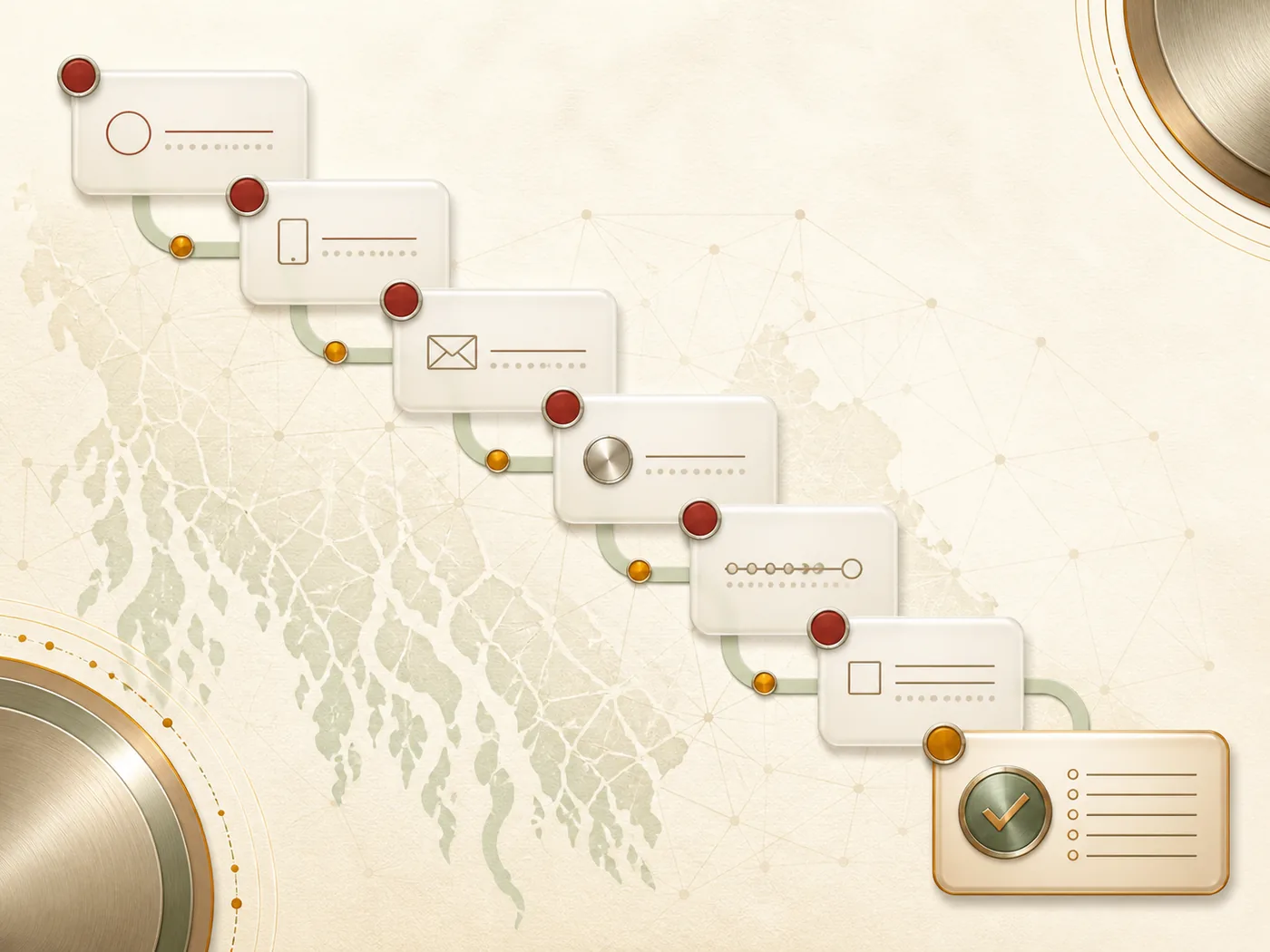
Do not save passwords on shared devices; delete them one by one if the browser fills in old information. The goal of preparation is not to pass quickly but to reduce spelling and identity mismatches.
Write the name used in the same spelling everywhere.
Match each digit of the mobile, then the @ and domain of the email.
Select only visible options; Bangladeshi currency is written as BDT/৳.
Do not link with email or phone and do not save on shared devices.
Match again from name to password after reading the consent text.
BDT is the code for Bangladeshi currency and ৳ is the familiar symbol. The registration page shows the selection of “Preferred Currency,” so these two formats have been recognized; however, default amounts, minimum deposits, or exchange rules have not been established. Currency selection does not prove support for any payment brand.
Correct only the field that has been marked among name, 01XXXXXXXXX mobile, email domain, currency, and password.
Do not resend the same information. Write the visible message and time, open another page to check if there is a display issue; take the App page if necessary.
If the same mobile or email has been used before, check the previous identity in Login without repeating new registration. This is not a claim of a successful account, just guidance on selecting the correct action.
If there is a visible completed status, remember which mobile or email you used to Login. If a field error is shown, just correct that field; if there is no response, check the display steps of the App before resending. If there is an indication of previously used identity, return to Login. If product selection is incomplete, compare the category in Games.